Custom Email Domains for Your Business: The Complete 2025 Guide
In today’s digital-first marketplace, your email address is often the very first point of contact between your business and a potential customer. While free email services like Gmail or Yahoo are fine for personal communication, they can unintentionally undermine your brand’s credibility in professional settings. That’s where Custom Email Domains come in — a simple but powerful step toward a more polished, trustworthy business image.
Whether you’re launching a startup, running an online store, or managing a growing company, having a custom email domain ([email protected]) tells clients that you’re serious, organized, and ready to do business. In this guide, we’ll explore the benefits, setup process, and how custom email domains integrate with Free Email Marketing Tools, Email Automation, and even Bulk Email Sender strategies to help you scale efficiently.
What Is a Custom Email Domain?
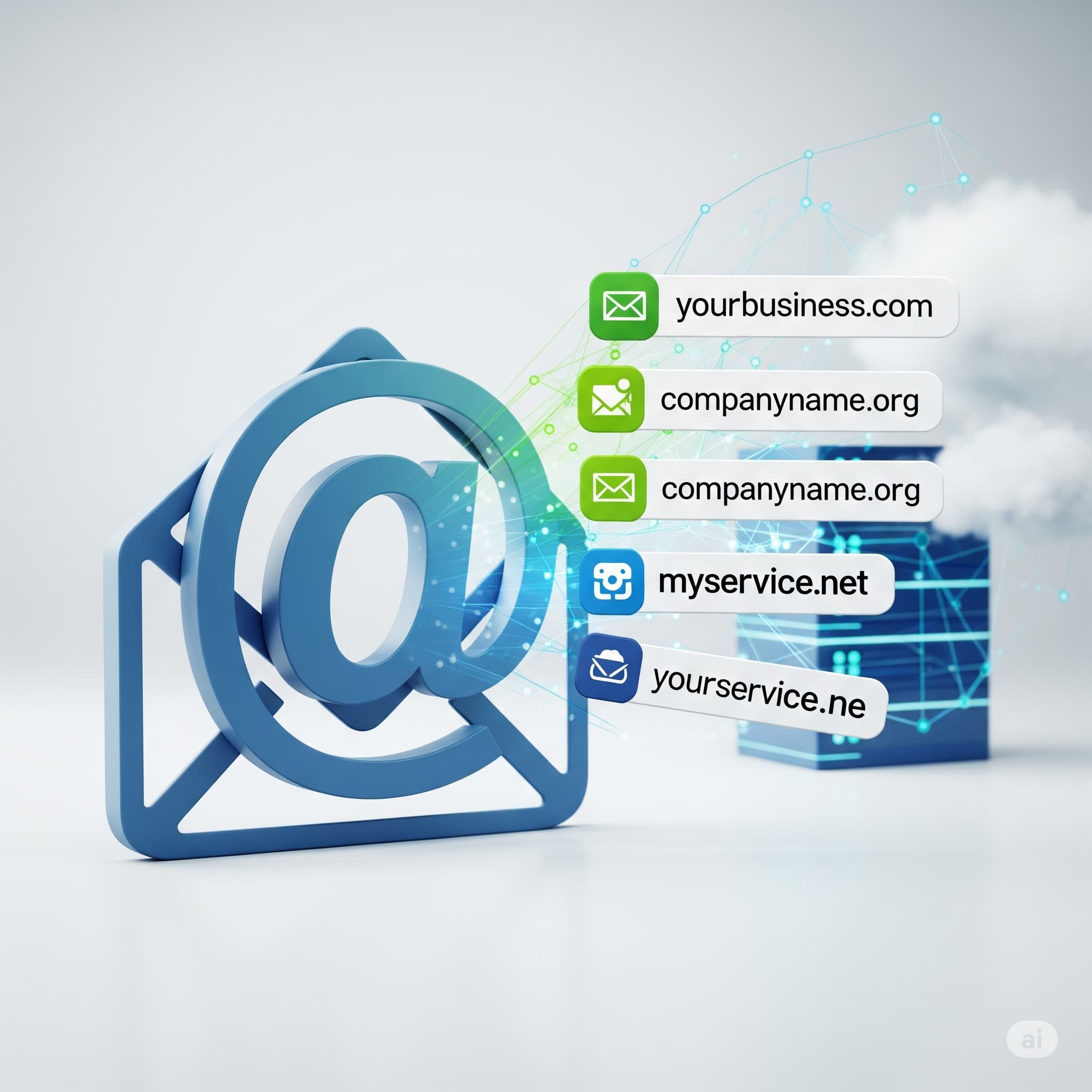
A custom email domain is an email address that uses your own website’s domain name instead of a generic provider. For example:
- Generic: [email protected]
- Custom: [email protected]
This seemingly small difference sends a big signal. It communicates professionalism, brand identity, and legitimacy.
Benefits of Custom Email Domains
- Professionalism & Trust
A branded email address reassures clients that they’re dealing with a credible business. - Brand Recognition
Every email reinforces your business name, making it more memorable. - Security & Control
With your own domain, you control security settings, passwords, and data privacy. - Scalability
Easily create addresses for departments (sales@, support@, info@) as your team grows.
Custom Email Domains vs. Generic Email
| Feature | Custom Email Domains | Generic Email Services |
|---|---|---|
| Branding | Strong brand reinforcement | No brand visibility |
| Security | Fully customizable | Limited control |
| Perceived Value | High | Lower for business |
| Scalability | Easy to expand | Limited options |
How to Set Up a Custom Email Domain
Setting up your personalized email address is simpler than most people expect. Here’s how:
- Purchase a Domain
Buy a domain from registrars like Namecheap, GoDaddy, or Google Domains. - Choose an Email Hosting Provider
Options include Google Workspace, Microsoft 365, Zoho Mail, and ProtonMail. - Connect the Domain to Your Email Host
Update DNS records (MX, SPF, DKIM, DMARC) for proper delivery and authentication. - Create Your Email Accounts
Assign addresses to individuals and departments. - Integrate With Your Tools
Sync with Free Email Marketing Tools and CRM systems for smoother operations.
Using Custom Email Domains with Free Email Marketing Tools
Once your custom email domain is live, the next step is to leverage Free Email Marketing Tools to maximize its potential. Platforms like Mailchimp (free tier), Sendinblue, and MailerLite allow you to send newsletters, promotional offers, and updates — all branded with your professional email address.
This integration boosts open rates because recipients are more likely to trust and engage with messages sent from a branded email address rather than a free one.
Boosting Efficiency with Email Automation
Email Automation is where your custom email really starts working for you. With tools like HubSpot, ActiveCampaign, or even the automation features in free platforms, you can:
- Send welcome emails when someone subscribes.
- Deliver abandoned cart reminders for e-commerce.
- Schedule regular newsletters.
Because these automated campaigns come from your custom email domain, they feel more personal and trustworthy — leading to better engagement.
Improving Email Deliverability
Your email deliverability rate determines whether your messages land in the inbox or get flagged as spam. A custom domain helps you:
- Set up SPF, DKIM, and DMARC records for authentication.
- Build a consistent sending reputation over time.
- Avoid spam triggers that plague generic email senders.
High deliverability rates mean more customers actually read your messages — essential for any marketing campaign.
Scaling Outreach with Bulk Email Sender Strategies
When you need to send high volumes of emails — for product launches, promotions, or seasonal sales — a Bulk Email Sender tool comes into play. Services like SendGrid, Mailgun, or Amazon SES allow you to send thousands of messages without harming your deliverability reputation.
Pro tip: Always clean your mailing list and segment it before using a bulk sender. This reduces bounce rates and improves engagement.
Common Mistakes to Avoid
- Using Only Generic Emails for Business – Hurts professionalism and trust.
- Skipping Authentication Records – Leads to low deliverability and security issues.
- Overloading Bulk Campaigns – Can result in spam flags and unsubscribes.
Cost Considerations
You can get a custom email domain for as little as $10/year for the domain name, plus free hosting options (like Zoho Mail’s free tier) or paid plans starting around $3/month per user.
Compared to the value of increased trust, branding, and deliverability, it’s a small but highly impactful investment.
Future-Proofing Your Business Communication
With AI-driven analytics, personalization engines, and smarter automation tools emerging, your custom email domain will be the backbone of more advanced marketing strategies in the future. It’s the gateway to integrating Free Email Marketing Tools, Email Automation, and Bulk Email Sender tactics into a single cohesive system.
Conclusion
Investing in a custom email domain isn’t just about looking professional — it’s about building trust, improving deliverability, and unlocking the potential of your email marketing. Whether you’re sending automated follow-ups, high-volume campaigns, or simply corresponding with clients, a personalized email address linked to your domain sets you apart from the competition.
Next, we’ll dive deeper into the tools you can use in our follow-up article: “Top Free Email Marketing Tools & Platforms”, where you’ll learn how to maximize the power of your custom domain without breaking the bank.